

Recent tutorials
Steering behaviors in JavaScript: seek, flee, arrive, wander and more
Learn to code steering behaviors in JavaScript, from seek and arrive to wander, pursue and path following. Every behavior is a short method you can copy, with a live demo on the HTML5 canvas to play with. Then combine them, and your game characters will find their own way around.
Find the shortest path with A* and other pathfinding algorithms
Find the shortest path in your JavaScript game with A* pathfinding. Draw a level with walls and mud, then watch four algorithms race to the goal: breadth-first search, Dijkstra's algorithm, greedy best-first search and A*. You'll also learn how to add diagonal moves, smooth the path and send a whole swarm after the player.

Finish and publish your HTML5 game
Learn how to publish your HTML5 game on the web, on game portals, in the app stores and on Steam. But first, look back at the game you've built in this tutorial series and play a more polished version of it.
Simulate a flock of birds with boids in JavaScript
Simulate a flock of birds in JavaScript with the boids algorithm. Code the three rules of flocking one by one, with a live demo for each step. Then add obstacles and a predator, and give the boids a field of view. By the end of this tutorial, you'll have a flock of thousands of boids running smoothly in your browser.

Create Conway's Game of Life in JavaScript
Create Conway's Game of Life in JavaScript on the HTML5 canvas. Learn the rules, calculate which cells live or die each generation and draw your own cells with the mouse. Load famous patterns like the glider gun, and download the free example code as a single HTML file.
Highlighted tutorials

Collision detection and physics
Learn JavaScript collision detection for your canvas game. Check if rectangles and circles overlap, and make objects bounce off each other with simple physics. By the end of this tutorial, you'll have a small physics simulation with mass, gravity and restitution. Along the way, you can try every step in a live demo.
Create a proper JavaScript game loop
Build a smooth JavaScript game loop for the canvas with requestAnimationFrame. Learn about delta time and fixed timesteps, and measure fps with live demos. By the end of this tutorial, you'll have a complete game loop ready to use in your own game.
Tutorial series
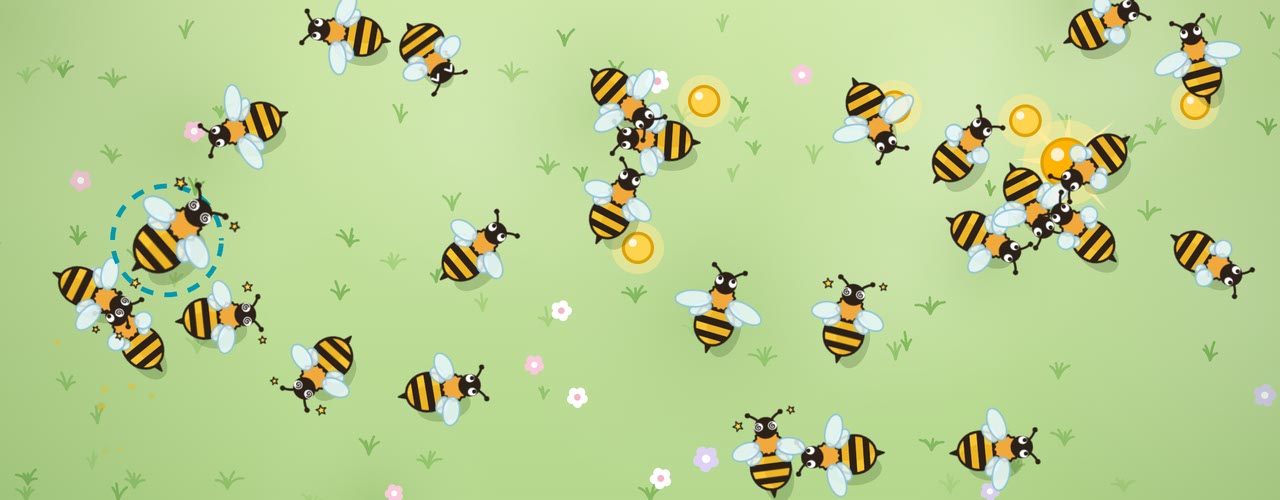
Create your own HTML5 game
Creative coding tutorials
Simulate a flock of birds
In JavaScript, step by step
Create life on the canvas
With Conway's Game of Life
Find the shortest path
With A* in JavaScript
Handy tools for developers
Easing functions
For JavaScript and CSS

Folder Compare
Spot the differences between folders
All tutorials
Steering behaviors in JavaScript: seek, flee, arrive, wander and more
Learn to code steering behaviors in JavaScript, from seek and arrive to wander, pursue and path following. Every behavior is a short method you can copy, with a live demo on the HTML5 canvas to play with. Then combine them, and your game characters will find their own way around.
Find the shortest path with A* and other pathfinding algorithms
Find the shortest path in your JavaScript game with A* pathfinding. Draw a level with walls and mud, then watch four algorithms race to the goal: breadth-first search, Dijkstra's algorithm, greedy best-first search and A*. You'll also learn how to add diagonal moves, smooth the path and send a whole swarm after the player.
Finish and publish your HTML5 game
Learn how to publish your HTML5 game on the web, on game portals, in the app stores and on Steam. But first, look back at the game you've built in this tutorial series and play a more polished version of it.
Simulate a flock of birds with boids in JavaScript
Simulate a flock of birds in JavaScript with the boids algorithm. Code the three rules of flocking one by one, with a live demo for each step. Then add obstacles and a predator, and give the boids a field of view. By the end of this tutorial, you'll have a flock of thousands of boids running smoothly in your browser.
Create Conway's Game of Life in JavaScript
Create Conway's Game of Life in JavaScript on the HTML5 canvas. Learn the rules, calculate which cells live or die each generation and draw your own cells with the mouse. Load famous patterns like the glider gun, and download the free example code as a single HTML file.

Create a smooth canvas animation
Create a smooth canvas animation with JavaScript. Learn how to clear the canvas, add motion trails and easing, and keep it sharp on every screen. By the end of this tutorial, you'll be able to create a basic animation with JavaScript.
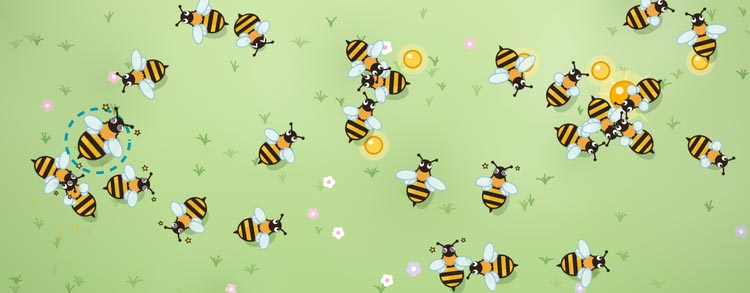
How to make an HTML5 game
Learn how to make an HTML5 game with JavaScript, step by step and for free. Find out how a browser game works, how to plan your game and what you need to get started. Then follow this tutorial series and build your own game.

Draw lines, shapes and text
Draw lines, shapes, curves, paths and text on the HTML5 canvas with JavaScript. Try every example in the live playground and save your drawing as an image. By the end of this tutorial, you'll be able to draw your own game graphics and text, with colors, gradients and shadows.

How to use IndexedDB in JavaScript
IndexedDB is a database built into every browser. Learn when it's a better choice than local storage, and how to use it in JavaScript with async/await. You'll store objects and images, find them with an index and keep your data from being deleted.

Add sound effects and music
Learn how to add sound effects and music to your JavaScript game with the Web Audio API. Play several sounds at once, control their volume and panning, make a sound a little different every time it plays and create your own sound effects in code. By the end of this tutorial, the bee game from this series will have sound effects and its own music.
Manage game states with a simple state machine
Learn how to add game states to your JavaScript game, from the start screen to game over. Build a simple state machine without a game engine, pause the game and restart it cleanly. By the end of this tutorial, you'll have a real game with a score, lives and a high score to beat.

Build game controls for keyboard, mouse and touch
Learn how to add keyboard, mouse and touch controls to your JavaScript game. Move a player smoothly with the arrow keys or WASD, drag objects with pointer events and build a virtual joystick for phones. By the end of this tutorial, you'll be flying your own bee through a swarm of other bees.

Set up an HTML5 canvas game
Set up an HTML5 canvas for your game with JavaScript. Learn how to scale the canvas to fit any screen, without blurry graphics. By the end of this tutorial, you'll have a canvas template to start every game with, and your first graphics on the screen.
Generate random numbers in JavaScript
Generate random numbers in JavaScript with Math.random(). Get a random integer between two numbers, a random boolean or a random item from an array. Build your own random number generator, shuffle an array, give rare loot a small chance and get the same random numbers again with a seed.
Store data with HTML5 local storage
Learn how to use HTML5 local storage to store data in the browser with JavaScript. Store and read strings, numbers and entire objects with setItem() and getItem(), and remember settings and progress between visits. Find out about the limits, the pitfalls and when to use sessionStorage instead.
Create a proper JavaScript game loop
Build a smooth JavaScript game loop for the canvas with requestAnimationFrame. Learn about delta time and fixed timesteps, and measure fps with live demos. By the end of this tutorial, you'll have a complete game loop ready to use in your own game.
Draw images and sprite animations
Learn how to draw images on the HTML5 canvas with drawImage(), and turn a sprite sheet into a JavaScript sprite animation. By the end of this tutorial, you'll have a swarm of animated bees buzzing around your game, each with its own hitbox and direction.
Collision detection and physics
Learn JavaScript collision detection for your canvas game. Check if rectangles and circles overlap, and make objects bounce off each other with simple physics. By the end of this tutorial, you'll have a small physics simulation with mass, gravity and restitution. Along the way, you can try every step in a live demo.

Draw vector potion bottles
Learn how to draw a potion bottle in Inkscape, step by step. You'll draw a round glass bottle with a cork, add shadows and highlights, and fill it with a colorful potion. Along the way, you'll learn the basics of vector drawing in Inkscape.